
Xero does most of the heavy lifting for a small business, but only if it is set up correctly. A clean setup at the start saves a year of miscoded transactions and a messy year-end.
Quick answer
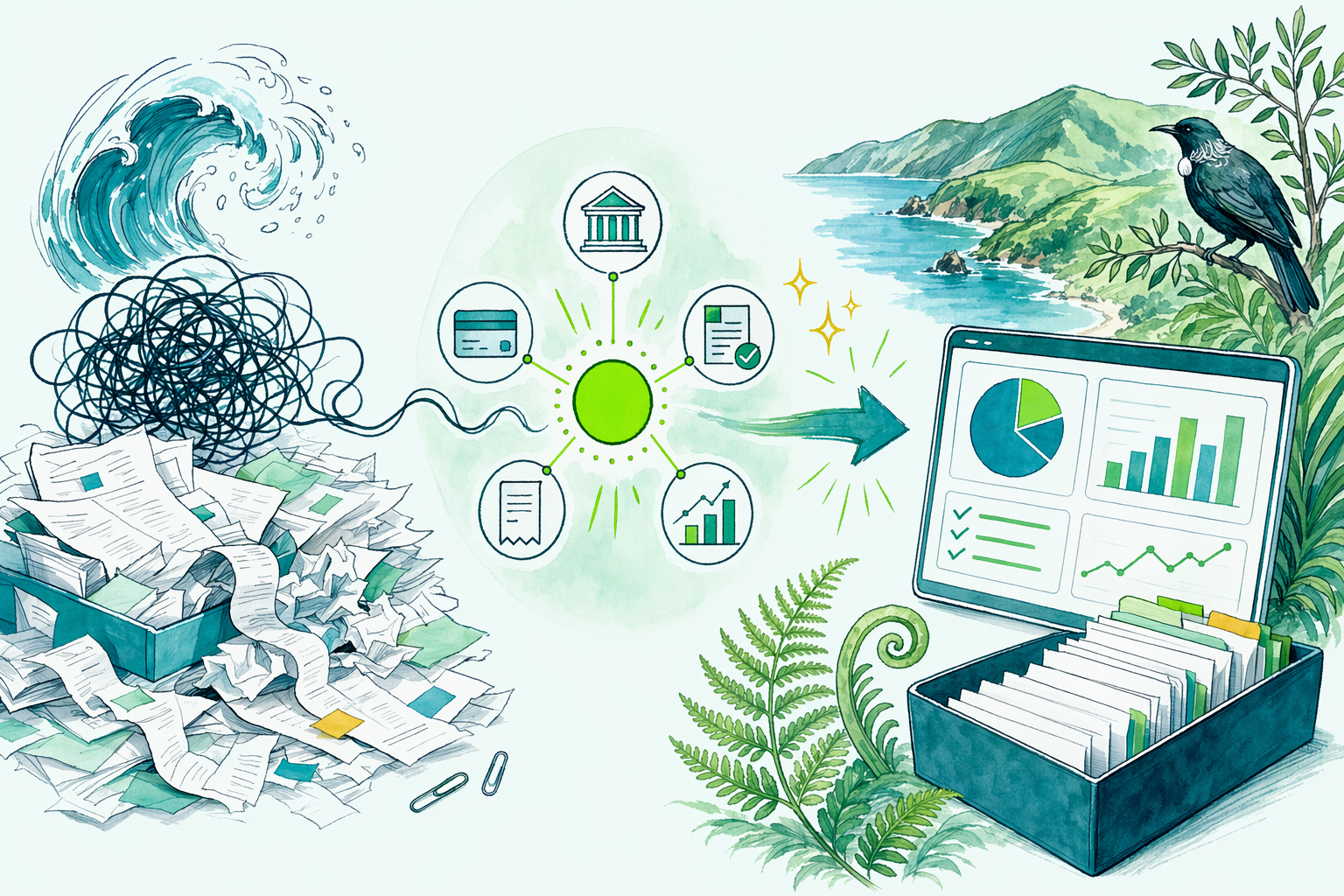
Setting Xero up well comes down to five things: connect your bank feeds, tidy the chart of accounts so it reflects your real business, set your GST registration and basis correctly, configure invoicing with your details and payment terms, and establish a simple routine for coding transactions and reconciling.
Get those right and Xero quietly produces your GST returns, keeps your records IRD-ready, and means your year-end accounts largely fall out of work you have already done. Skip them and you spend the year fighting miscoded entries.
The detail, in plain English
Here is the setup, step by step:
- Organisation details. Enter your business name, IRD number, GST registration status, and financial year-end (usually 31 March).
- Bank feeds. Connect your business bank account so transactions flow in automatically. This is the engine of the whole system; manual entry should be the exception.
- Chart of accounts. Trim the default list to the categories you actually use, and add ones specific to your trade. A focused chart makes coding fast and your reports meaningful.
- GST settings. Set your registration status, your basis (payments, invoice, or hybrid), and your filing frequency so Xero prepares returns that match what you told IRD.
- Invoicing. Add your logo, bank details, payment terms, and GST number so the invoices you send are valid tax invoices and get paid faster.
- Reconciliation routine. Set a habit, weekly is ideal, of matching transactions to invoices and coding them. Little and often beats a year-end marathon.
The two settings people most often get wrong are the GST basis and the chart of accounts, and both are far easier to fix at the start than after a year of entries.
A simple example
Two cafés both start on Xero.
- Café A connects bank feeds, sets the GST basis to match its IRD registration, trims the chart of accounts to coffee supplies, wages, rent and the like, and reconciles weekly. At GST time the return is essentially ready, and at year-end the accountant works from clean data.
- Café B rushes the setup, leaves the GST basis on the wrong setting, never trims the chart, and lets months of transactions pile up uncoded. At GST time the figures are wrong, and the year-end clean-up takes hours, hours that turn into fees.
Same software, same business type. The difference in cost and stress is entirely down to the half-day spent setting Xero up properly at the start.
Common mistakes to avoid
- Wrong GST basis or frequency. If Xero's GST settings do not match your IRD registration, every return is off.
- Leaving the default chart of accounts untouched. A bloated, generic chart makes coding slow and reports useless.
- Not connecting bank feeds. Manual entry is where errors and missed transactions creep in.
- Letting reconciliation pile up. Months of uncoded transactions are a year-end nightmare; reconcile little and often.
- Coding personal spending into the business. Keep drawings and personal costs out of business expense accounts.
Where this fits in your return
A well-set-up Xero file feeds straight into your GST returns and, at year-end, into your IR3 or IR4. The coding you do through the year becomes the profit-and-loss your tax is based on, so accurate coding is accurate tax. It also satisfies the record-keeping rules automatically, since the transactions, receipts, and reconciliations live in one place.
How Fernway can help
We set Xero up correctly from the start, the chart of accounts, GST settings, bank feeds, and invoicing, and show you a simple weekly routine so it stays clean. If your file is already a tangle, we can tidy it up and get it back on track. Either way, the goal is software that does the work so your returns are quick and accurate.
This is general information only, not personalised tax advice. Your situation may differ, so book a free 20-minute review and we will get your Xero working for you.
In plain English: connect your bank feed, match the GST settings to your IRD registration, trim the chart of accounts, and reconcile weekly, and Xero will hand you your returns instead of headaches.
This is general information, not personalised tax advice.See our full disclaimer.