
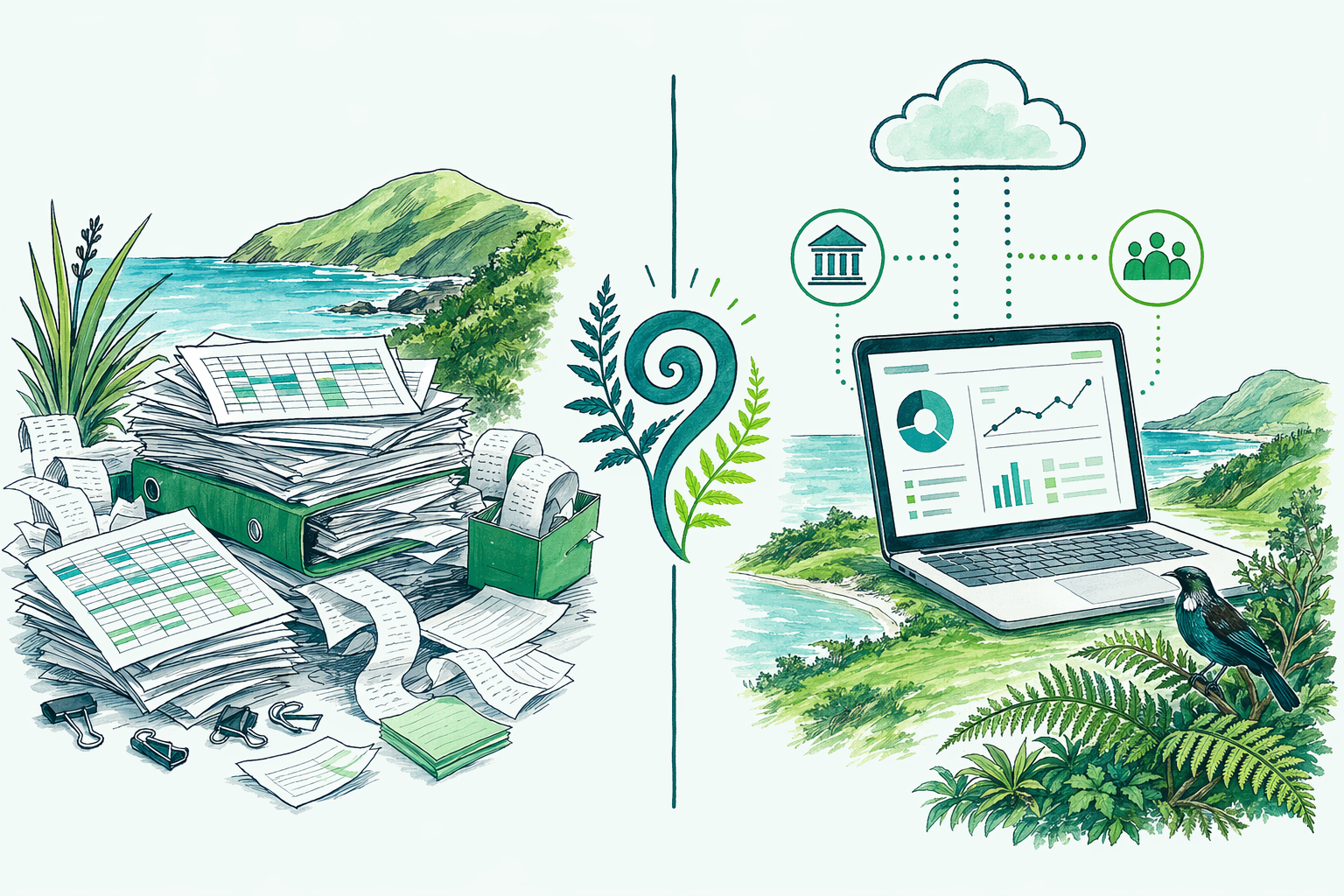
Spreadsheets are free and familiar, but they were never built for GST, payroll, or a clean year-end. Here is how manual record-keeping stacks up against accounting software for New Zealand tax, and when the switch is worth it.
The two options at a glance
Both approaches can produce a correct return. The difference is how much manual effort, and how much risk of error, sits between you and that return.
| Manual records | Accounting software | |
|---|---|---|
| Cost | Free or near-free | A monthly subscription |
| Bank feeds | Manual entry | Automatic |
| GST returns | Calculated by hand | Largely automated |
| Error risk | Higher (typing, formulas) | Lower (reconciled data) |
For a tiny, simple operation, a well-built spreadsheet can be perfectly adequate. The trouble starts as transaction volume grows, where manual entry becomes both a time sink and a source of small errors that compound by year-end.
Tax treatment compared
The tax owed is the same either way, the rules do not care what tool you used. But software changes how reliably you arrive at the right figure.
- GST: software tracks the 15% on every transaction and assembles the return for you. Manual records mean calculating it by hand each period, where a single miscategorised invoice throws the return out.
- Income and expenses: software categorises as you reconcile, so year-end totals are already organised. Manual records often need a full re-sort before they are usable.
- Provisional tax and year-end: live figures let you see your position through the year, rather than discovering it after 31 March.
The deductions you are entitled to are identical. What software protects you from is missing them because the data was messy.
Software also makes your provisional tax far easier to manage. Because your profit is visible in real time, you can see roughly what you will owe well before year-end, and set money aside accordingly, rather than being blindsided after the accounts are done. A spreadsheet rarely gives you that live view, so the first sign of a large bill is often the bill itself.
Cost and cashflow
Manual records win on direct cost: a spreadsheet is free. Software is a monthly fee. But the comparison is not just the subscription.
- Software saves hours every month on data entry and reconciliation, time you can spend earning.
- Cleaner data means a faster, cheaper year-end, so part of the subscription is offset by a lower accounting fee.
- The subscription is generally a deductible business expense.
The honest framing: if you have a handful of transactions a month, the spreadsheet's zero cost is hard to beat. Once you are reconciling dozens or hundreds of transactions, the time saved and errors avoided usually justify the fee several times over.
Risk and admin
Spreadsheets carry quiet risks that only surface when it is inconvenient.
- Formula errors: a dragged-down cell or a broken sum can misstate a whole year, invisibly.
- Manual GST: calculating 15% by hand each period invites the occasional slip that has to be corrected later.
- No audit trail: a spreadsheet does not remember who changed what. Software keeps a clear record, which matters if IRD ever asks.
- Backups: a lost or corrupted file can wipe your records. Cloud software is backed up automatically.
Software reduces the admin load too: bank feeds pull transactions in, rules categorise the regulars, and the return mostly assembles itself. The trade is a learning curve at the start in exchange for far less effort thereafter.
Which suits which owner
As a general guide:
- Manual records suit very small or pre-revenue operations, hobby-scale side incomes, and anyone with only a handful of transactions who is comfortable in a spreadsheet.
- Software suits any GST-registered business, anyone with employees or contractors, businesses with steady transaction volume, and owners who want to see their position in real time.
The usual tipping point is GST registration. Once you are charging and reclaiming 15% across many transactions, software stops being a luxury and starts being the thing that keeps your returns accurate and your year-end painless.
If you are unsure where you sit, count your transactions in a typical month. A dozen or two, mostly the same handful of payees, and a spreadsheet copes fine. A hundred or more, several income streams, GST to file, and you will spend more time maintaining the spreadsheet than the software would ever cost, and make more mistakes doing it.
Talk it through with us
We are Xero-friendly and happy either way. If a spreadsheet still genuinely fits your business, we will tell you, and we will help you build a clean one. When you are ready to move to software, we can set it up, connect your bank feeds, and make sure your GST is configured correctly from the start.
Book a free review and we will recommend what actually suits your volume and your goals, not the most expensive option.
This is general information only, current at the time of writing, and not personalised tax advice. Your situation may differ. Confirm the detail with us or check ird.govt.nz before you act.
In plain English: a spreadsheet is fine while you are tiny, but once you are GST-registered with real transaction volume, accounting software saves more time and prevents more errors than it costs.
This is general information, not personalised tax advice.See our full disclaimer.